Salon & barbershop scheduling
Staff scheduling for salons and barbershops
Daypart handles the staff side of a salon or barbershop: who's working which days, who's off, and how the chairs are covered through the week. Stylists and barbers set their availability, request time off, and pick up open days — all from their phones.
One thing to be upfront about: Daypart is a staff scheduling tool, not a client-booking system. It won't take appointments from your clients. If you want to plan your team's shifts cleanly without an HR platform, that's exactly what it's for.
- Stylist
- Barber
- Colorist
- Assistant
- Front desk
Built for how salons actually run.
See who's on which day
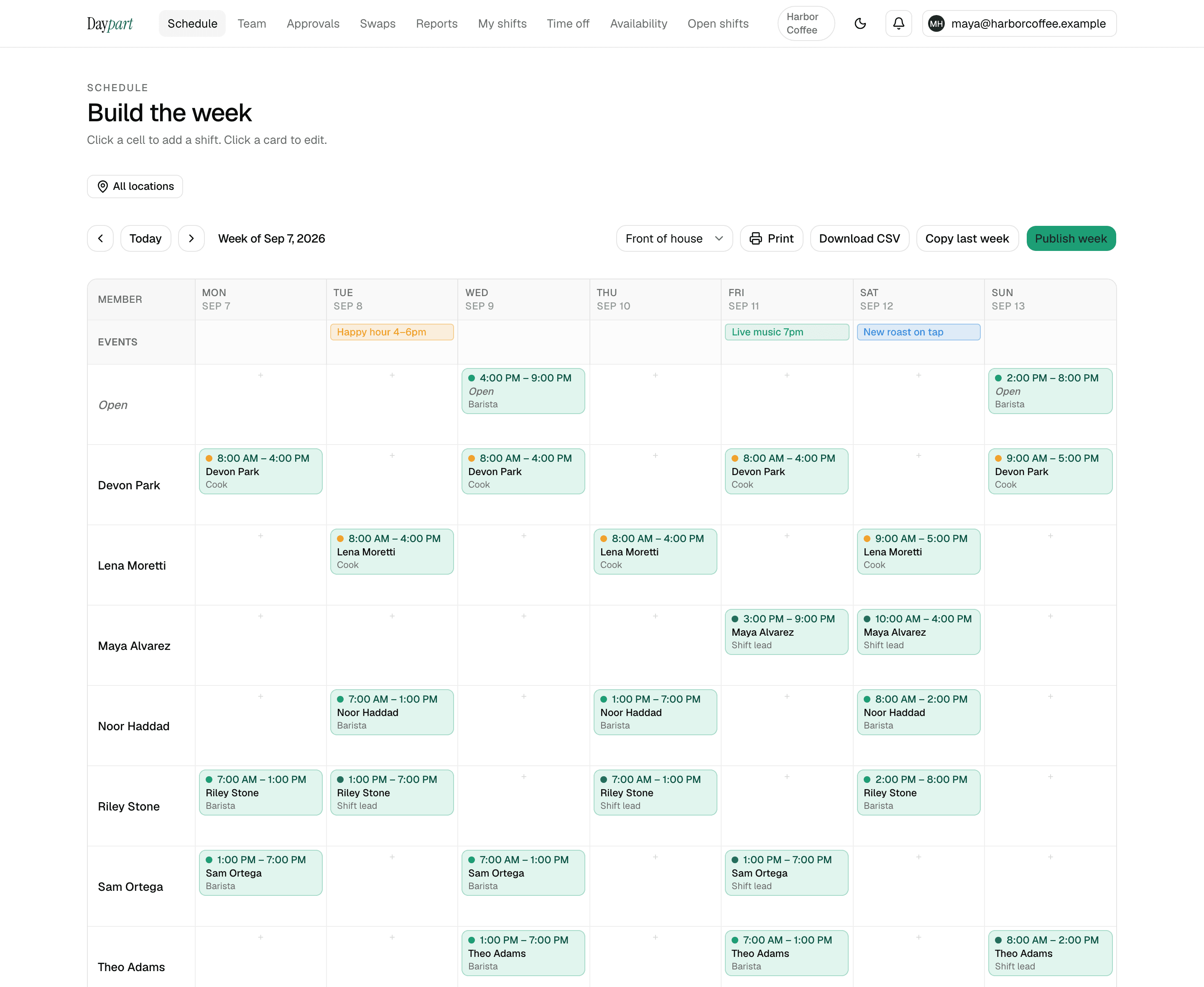
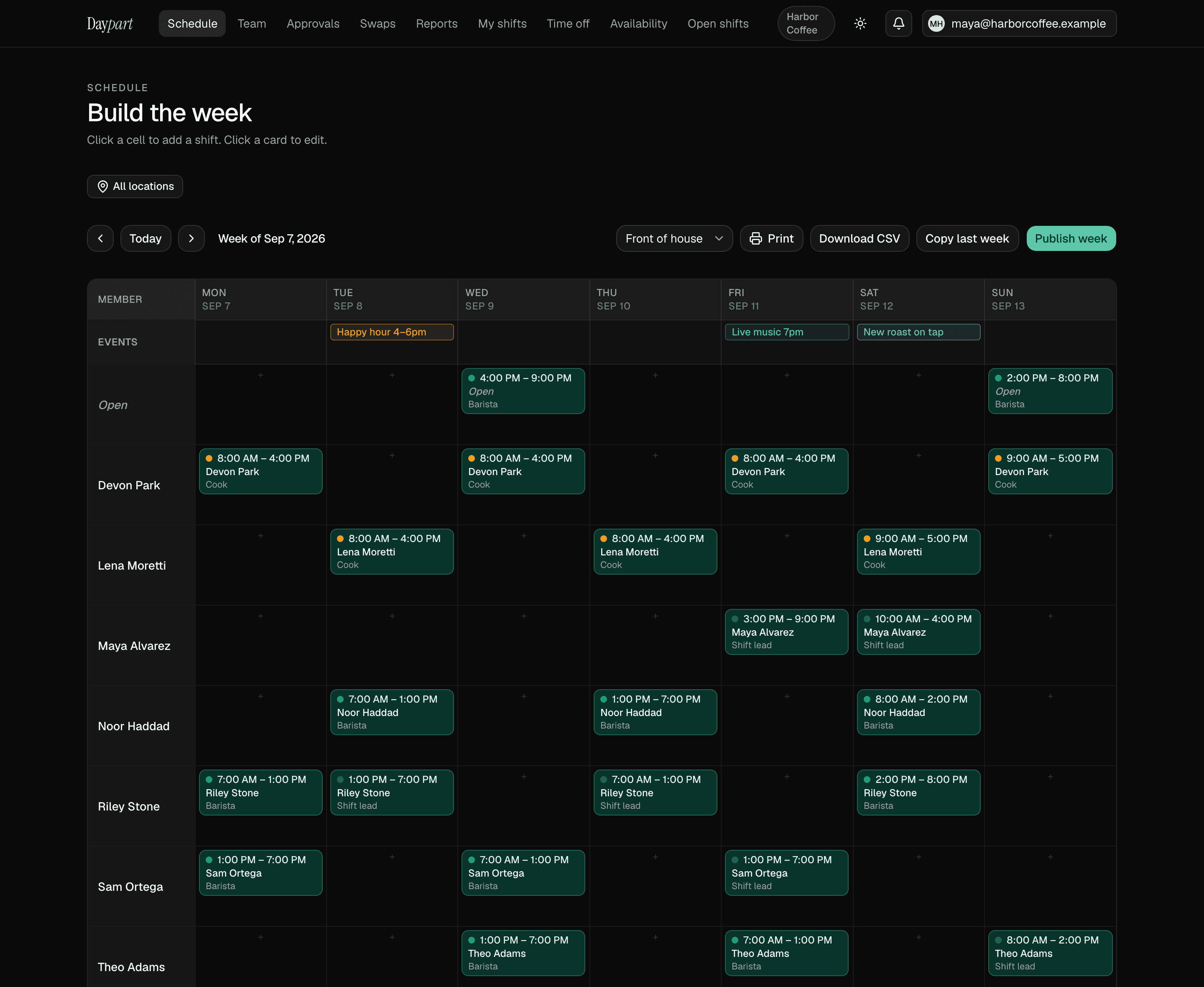
Build the week so every chair is covered, with stylists and barbers color-coded by role. The whole week reads at a glance.
Time off and day-off requests
A clean approval queue for vacation and day-off requests, with a 7-second undo and a full history on every decision.
Availability for commission and part-time staff
Each person sets the days and hours they can work; the builder flags conflicts before you publish.
Fill an open day fast
Post an open shift when someone's out and let the rest of the team claim it from the app.
How it works
Set up once. Run it every week.
About 10 minutes from sign-up to a published first week for a single-location shop. After that, it's the same four moves every week.
Add stylists and the front desk as roles
Invite by email and give each role a color — stylist, barber, front desk, assistant. A chair renter who doesn't need an account can be listed as a guest, so the week shows everyone behind a chair.
Collect availability once
Each person sets the days and hours they take clients, with more than one window a day. The builder warns you before you publish a shift outside them or on approved time off.
Build the week, then copy it
Drag shifts onto the grid, pin a bridal party or a holiday on the events row, and copy last week when the rotation holds.
Publish and approve from one queue
One tap puts the week on everyone's phone. Time-off and swap requests wait in your approvals queue with an undo and a full history, so “you said I could” has a record.
Pricing
One flat price. Everything included.
30 days free with the full Team plan and no credit card, then $20 a month — the same for 3 people as for 75, across up to 10 locations. When the trial ends the account goes read-only until you upgrade; nothing is deleted.
- Open shifts anyone on the team can claim — first tap wins
- Swaps, trades and time off, approved from one queue with an undo and a full history
- Availability, conflict warnings, copy last week, publish in a tap
- Hours report, overtime heads-up, payroll-ready CSV, iOS app for the crew
Salons — FAQ
Common questions
Does Daypart book client appointments?
No. Daypart schedules your staff's shifts, not client appointments. If you need online client booking, pair Daypart with a dedicated booking tool — Daypart handles who's working, they handle who's coming in.Can stylists request time off in the app?
Yes. Stylists and barbers request time off (full days or specific hours) from their phones, and managers approve from a clean queue with an undo.Is there a mobile app for the team?
Yes — a native iOS app shows each person their upcoming shifts and lets them set availability, request time off, and claim open days.
Scheduling guides for other industries: restaurants, bars, cafés, cleaning companies, and retail shops
Your next Sunday, handled
Stop wrangling spreadsheets.
Try Daypart free for 30 days — full Team features, no credit card. When the trial ends, keep going for $20/mo. Cancel anytime; your data is always yours.
- 30-day free trial — full Team features
- iOS app for the crew — on the App Store
- Cancel anytime — your data is yours