Cleaning business scheduling
Crew scheduling for cleaning companies
Cleaning companies run mobile crews across many sites, with extra jobs that pop up and subs who fill in. Daypart keeps the week organized by location, gets the schedule onto every cleaner's phone, and fills the extra jobs without a phone tree.
Assign crews by location, publish so everyone has today's plan in their pocket, and post extra jobs as open shifts the team can claim. Add no-account guest members for one-off subs without paying for a seat.
- Cleaner
- Crew lead
- Supervisor
- Sub / guest
Built for how cleaning companies actually run.
Schedule by job and location
Organize the week across multiple sites so each crew knows exactly where they're working and when.
The schedule lives on every phone
Field crews don't sit at a desk. Publish and everyone gets today's assignment on the iOS app — plus a heads-up before each shift.
Fill extra jobs fast
A last-minute deep clean? Post it as an open shift and let an available cleaner claim it, instead of calling around.
Guests for one-off subs
Add a no-account guest to the roster for a sub or a contractor — assignable like anyone else, no seat consumed.
How it works
Set up once. Run it every week.
About 10 minutes from sign-up to a published first week for a single-location shop. After that, it's the same four moves every week.
Add the crew and each site as a location
Invite by email and add every regular site as a location. A shift carries its location, so the agenda on a phone says where to go, not just when.
Collect availability once
Each person sets the days and hours they can work. The builder warns you before you publish a shift outside them or on approved time off.
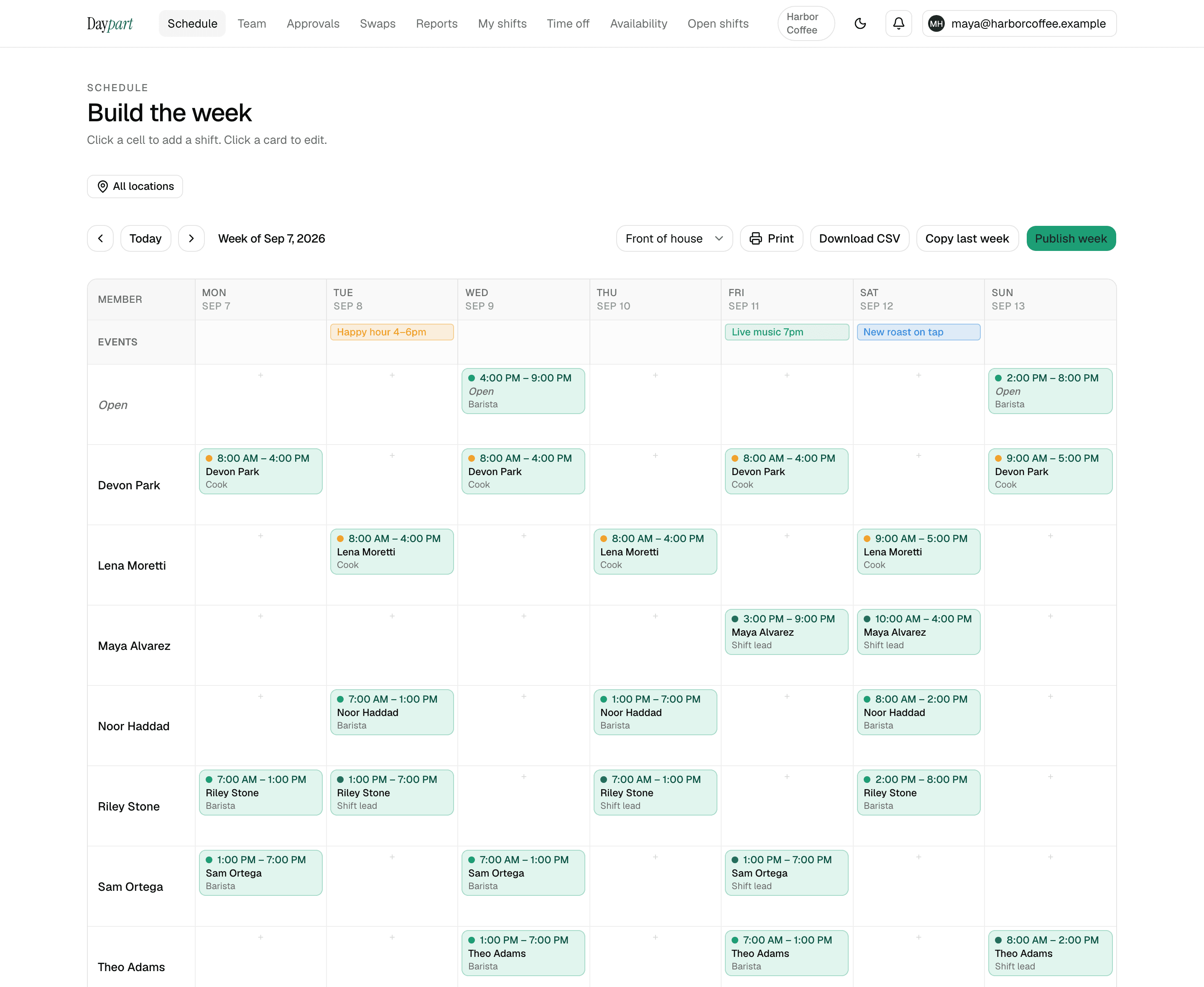
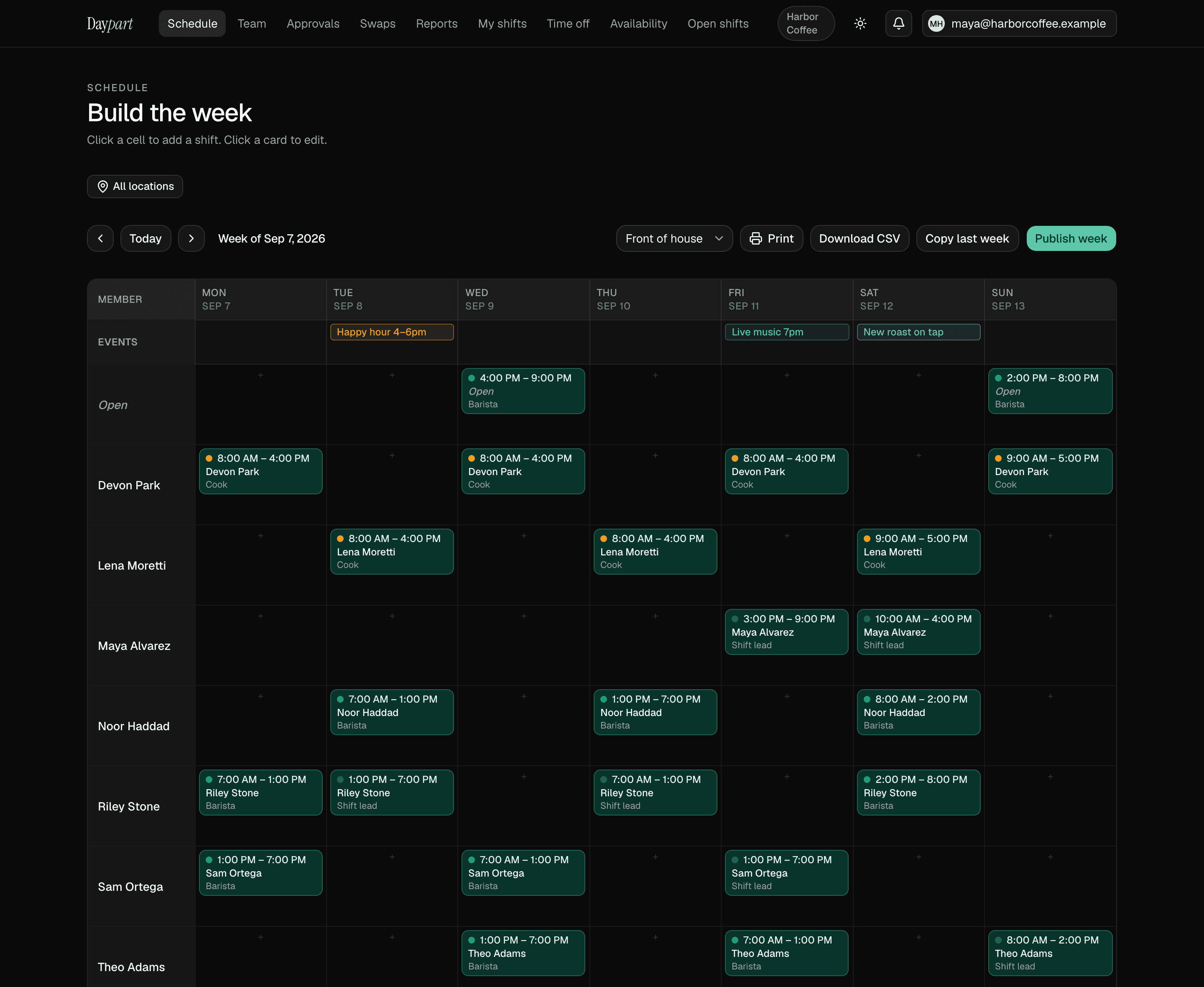
Build the week across sites, then copy it
Drag shifts onto the grid per location, pin a deep clean or a holiday closure on the events row, and copy last week when the route doesn't change. The all-locations view shows every site's published week side by side.
Publish and answer “where am I tomorrow?” once
One tap puts the week on everyone's phone with the site on each shift. A dropped shift goes up as open and the first person to claim it has it.
Pricing
One flat price. Everything included.
30 days free with the full Team plan and no credit card, then $20 a month — the same for 3 people as for 75, across up to 10 locations. When the trial ends the account goes read-only until you upgrade; nothing is deleted.
- Open shifts anyone on the team can claim — first tap wins
- Swaps, trades and time off, approved from one queue with an undo and a full history
- Availability, conflict warnings, copy last week, publish in a tap
- Hours report, overtime heads-up, payroll-ready CSV, iOS app for the crew
Cleaning crews — FAQ
Common questions
Can Daypart schedule crews across multiple locations?
Yes. The Team plan supports up to 10 locations, so you can organize the week by site and keep each crew on the right job.Do field crews need accounts?
Regular crew members get accounts and the mobile app. For one-off subs, you can add no-account 'guest' members to the roster and assign them shifts without using a plan seat.Is there a mobile app for cleaners in the field?
Yes — a native iOS app shows each cleaner their upcoming shifts and sends a reminder before each one. The web app works on any phone as well.
Scheduling guides for other industries: restaurants, bars, cafés, salons, and retail shops
Your next Sunday, handled
Stop wrangling spreadsheets.
Try Daypart free for 30 days — full Team features, no credit card. When the trial ends, keep going for $20/mo. Cancel anytime; your data is always yours.
- 30-day free trial — full Team features
- iOS app for the crew — on the App Store
- Cancel anytime — your data is yours